Deposit
Deposit money
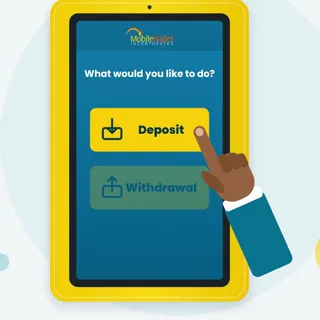
Put cash on your Mobile Money account with your ID card and phone number.


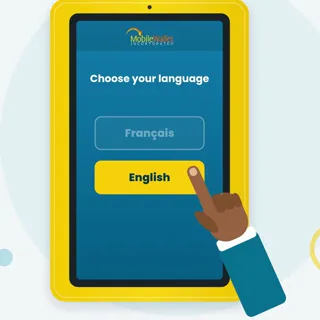
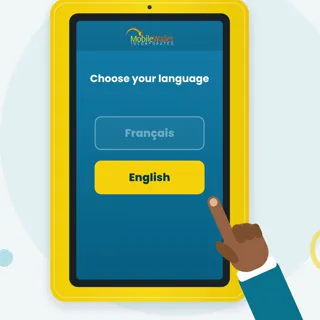
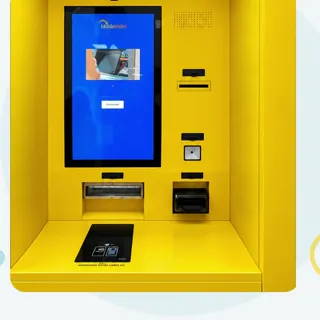
Two short videos, ten simple steps each. Learn how to put money on your Mobile Money account or take cash out at a MobileWallet ATM — in English or French, sized for your screen.
Pick a tutorial
Put cash on your Mobile Money account with your ID card and phone number.
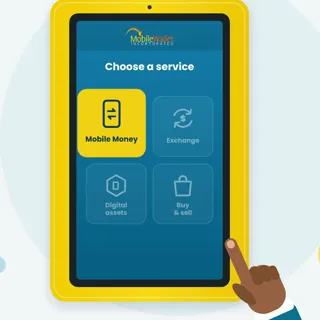
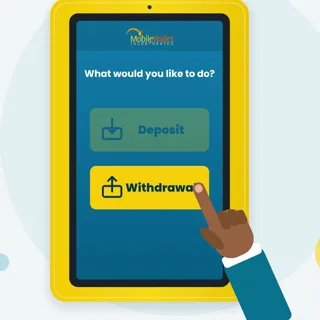
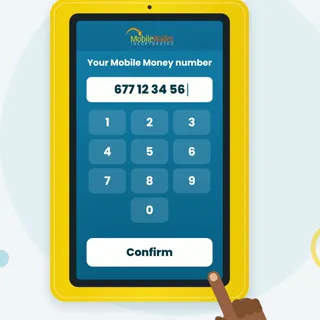
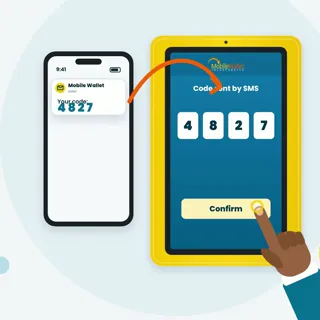
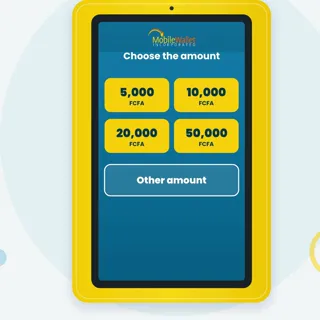
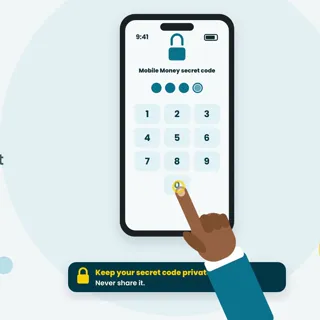
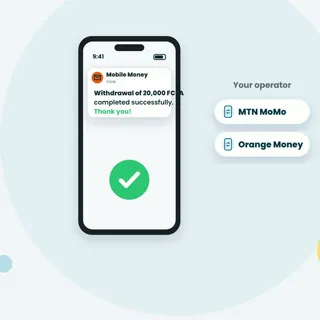
Take cash out of your Mobile Money account, confirmed with a code and your PIN.
Put cash on your Mobile Money account with your ID card and phone number.
Steps 0/10
Scroll through the ten steps. Tap any of them to jump straight to that moment in the video.
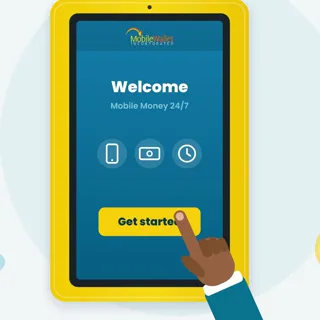
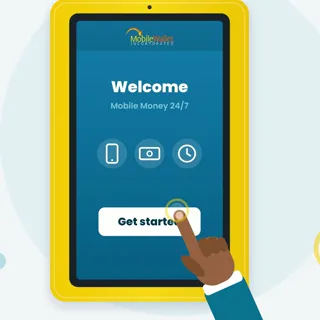
Tap “Get started”.
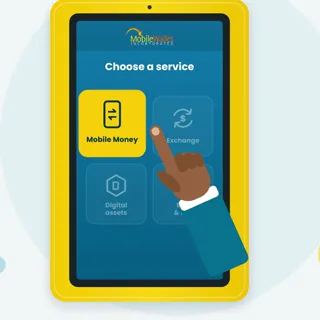
For example Mobile Money.
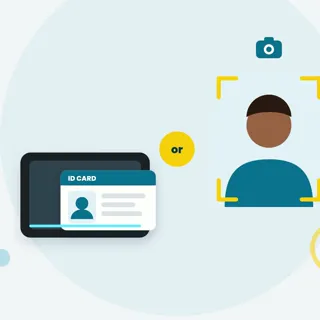
Scan your ID card or take a photo.
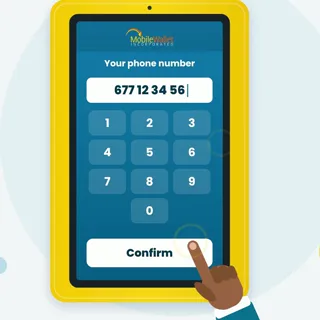
Tap “Confirm”.
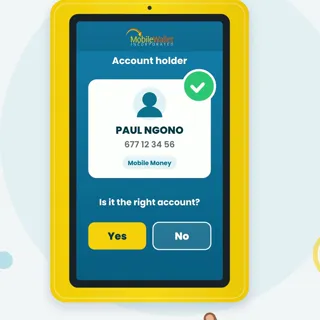
Is it the right account?
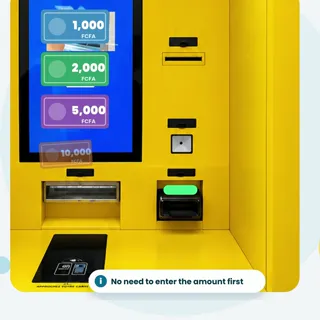
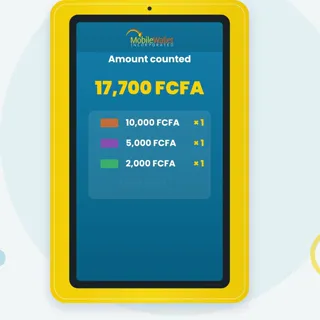
Notes of 1,000, 2,000, 5,000 or 10,000 FCFA.
The machine counts your notes. Tap “Confirm”.
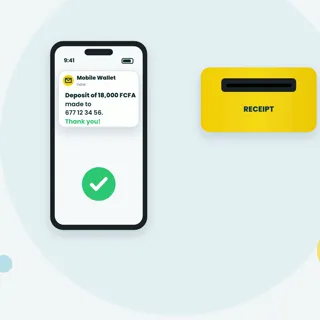
You get an SMS. Take your receipt.
If something goes wrong at the ATM, keep your receipt and contact support — we answer quickly, in English and French.
Never share your Mobile Money secret code — not even with an agent.